

Compare the 10 best Shopify variant management apps of 2026 for combined listings, swatches, variant images, custom options, and bulk edits. See pricing, ratings, and what Shopify already does natively so you only pay for what you need.
Key Takeaways
- SA Variants: Combined Listings is our top pick for catalog-level variant management it splits variants and groups products, and it works on any plan.
- Shopify supports up to 2,048 variants and three options per product natively, so many stores no longer need an app for variant count alone.
- Shopify's native Combined Listings app is free but limited to Plus and enterprise plans, 60 products, and 2,000 option values per listing.
- Natively, each variant gets one assigned image; showing only the selected variant's full gallery requires an app or combined listings.
- Shopify variant URLs use a ? variant= parameter, so separate products are the only way to give each colorway its own URL handle.
- Product options apps like Easify, OPTIS, and Hulk add custom inputs and add-on pricing, but key features sit on paid tiers.
- Shopify's built-in bulk editor and CSV import handle many variant edits; apps like Matrixify add scheduled jobs and larger files.
- Baymard's 2025 benchmark found 42% of ecommerce sites don't combine a product's variations into a single product-list item.
Say you sell a hoodie in 12 colors and 6 sizes. Shopify stores those 72 variants without complaint. The problems show up elsewhere: all 12 colors share one URL, the gallery may mix photos of every color, and shoppers browsing a collection page may never realize it comes in forest green. Six months later, someone on your team spends a day updating prices one variant at a time.
That's what variant management apps fix. Choosing the best Shopify variant management app depends on which of these problems costs you the most, so this guide compares 10 apps across five jobs: grouping or splitting products, showing swatches, showing the right images per variant, adding options beyond Shopify's limits, and editing variant data in bulk. It also covers what Shopify now handles natively, so you don't pay for features you already have.
Quick answer: For established Shopify stores managing large variant catalogs, SA Variants: Combined Listings is our top pick. It splits variants into separate products with their own URLs and links products back together with swatches, on any Shopify plan. Plus, stores should also test Shopify's free native Combined Listings app. For budget swatches, choose GLO Color Swatch Variant Image. For per-variant image galleries, choose Rubik Variant Images & Swatch. For personalization and add-on pricing, choose Easify, OPTIS, or Hulk Product Options. For bulk-editing variant data at scale, choose Matrixify.
The Top 10 Shopify Variant Management Apps At A Glance
Ratings, review counts, and prices come from each app's Shopify App Store listing, checked September 16, 2026. Review counts are rounded down. Listings change often, so confirm before installing.
How We Picked And Ordered These Apps
We started from the Shopify App Store's product variants, image gallery, and bulk editor categories, then checked which apps appear repeatedly in merchant-facing comparisons for this topic. An app made the list only if it met all five criteria:
- It solves a core variant management job: structure, swatches, images, option capacity, or bulk data.
- Its listing is verifiable: current pricing, features, and developer details on the Shopify App Store.
- It's active in 2026: recent merchant reviews and a maintained listing.
- Merchants trust it: rating, review volume, and Built for Shopify status, Shopify's badge for apps that meet its highest standards for performance, design, and integration.
- Its pricing is transparent at different catalog sizes and Shopify plans.
How the numbering works: #1 is our overall pick for established stores with large variant catalogs. Apps #2 to #10 are grouped by job, not scored against each other. Features come from each app's App Store listing rather than benchmark testing, and we flag claims that are the developer's own.
The Best Shopify Variant Management Apps, Reviewed
1. SA Variants: Combined Listings: best overall for large variant catalogs
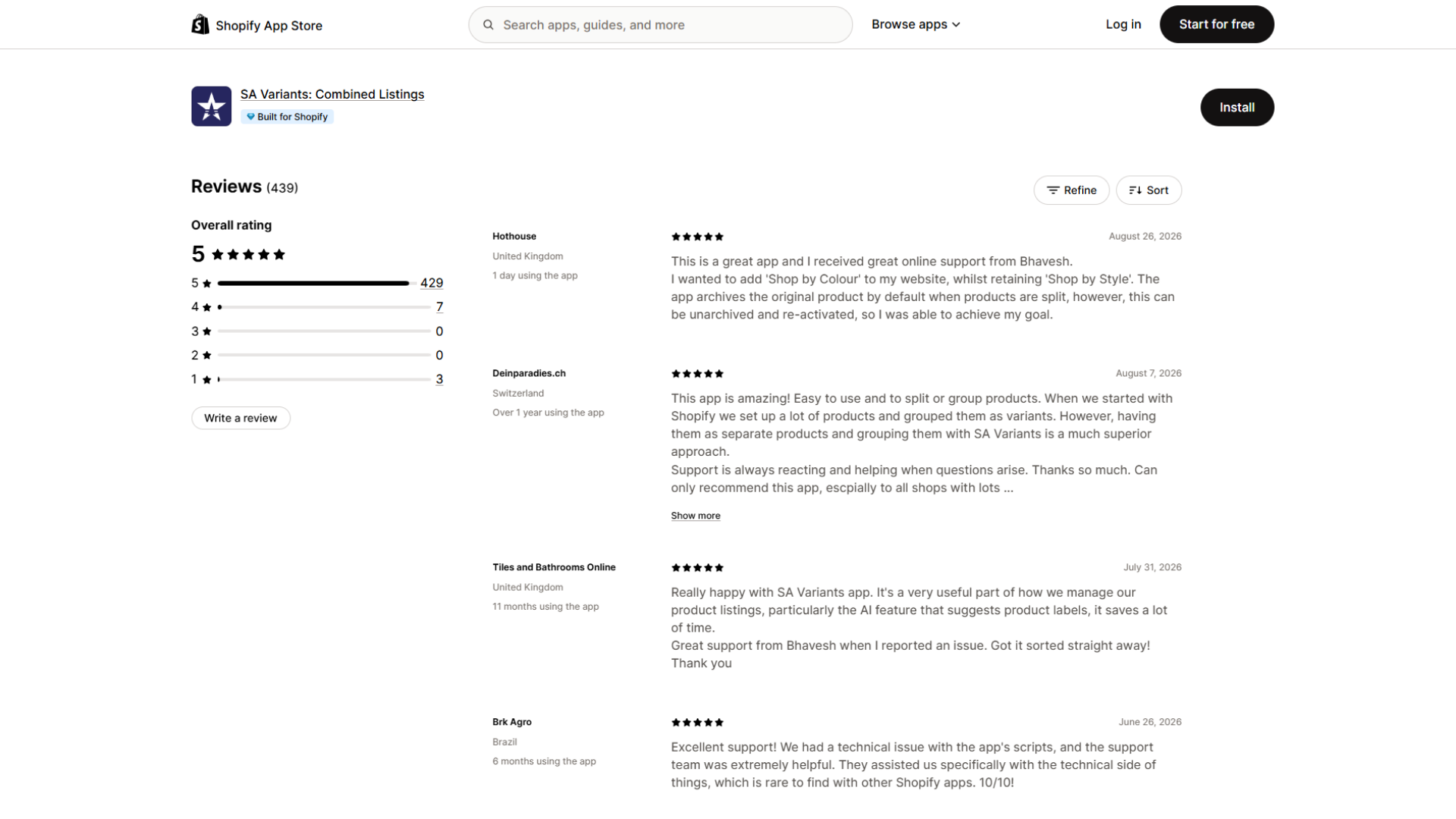
Developer: StarApps · Pricing: Standard $14.90–$99.90/month and Pro $29.90–$199.90/month, based on Shopify plan ·
Free option: Free for Shopify Partner stores; 30-day free trial ·
Rating: 5.0 (430+ reviews) ·
Built for Shopify: Yes
Why it's our top pick: On big catalogs, most variant headaches are structural. Keep every color as a variant, and all colors share one URL, one title, and one description. Turn every color into its own product, and shoppers lose the ability to switch colors from one page. SA Variants: Combined Listings works in both directions: it splits an existing product's variants into separate products, and it links separate products into a group shoppers move through with swatches, buttons, or dropdowns. Because the grouping layer includes swatches and collection-page display, one app can handle both structure and presentation.
What it does:
- Splits variants into individual products by color, material, or style, each with its own page, URL, title, description, images, and SEO fields
- Builds product groups automatically with AI, in bulk by CSV, through Shopify Sidekick, or by product tag (Pro)
- Shows swatches on product pages and grouped variants on collection pages
- Handles up to 5,000 product groups on Standard and 25,000 on Pro
- Adds price comparisons, badges, and ratings on swatches, sub-categories inside large groups, separate mobile and desktop swatch styles, and AI monitoring of groups (Pro)
- Supports Shopify Markets translation and currency, and lists compatibility with Shopify's native Combined Listings
Limitations:
- Pricing follows your Shopify plan, not your catalog size. A Plus store pays $99.90 (Standard) or $199.90 (Pro) a month, so a Plus store with only a few product families may pay less with Shopify's native app or group-based pricing.
- Splitting is a catalog migration, not a toggle. Before you split, confirm what happens to the original product. If it will be archived or hidden, redirect its URL so backlinks and ad traffic don't land on a dead page.
- The free plan is limited to Shopify Partner development stores.
Best for: Stores outside Shopify Plus that want combined listings, and any store where individual colorways or materials deserve their own landing pages for search or paid campaigns.
For a deeper look at native versus app-based grouping, read our Shopify combined listings guide.
2. Shopify Combined Listings: best native option for Shopify Plus
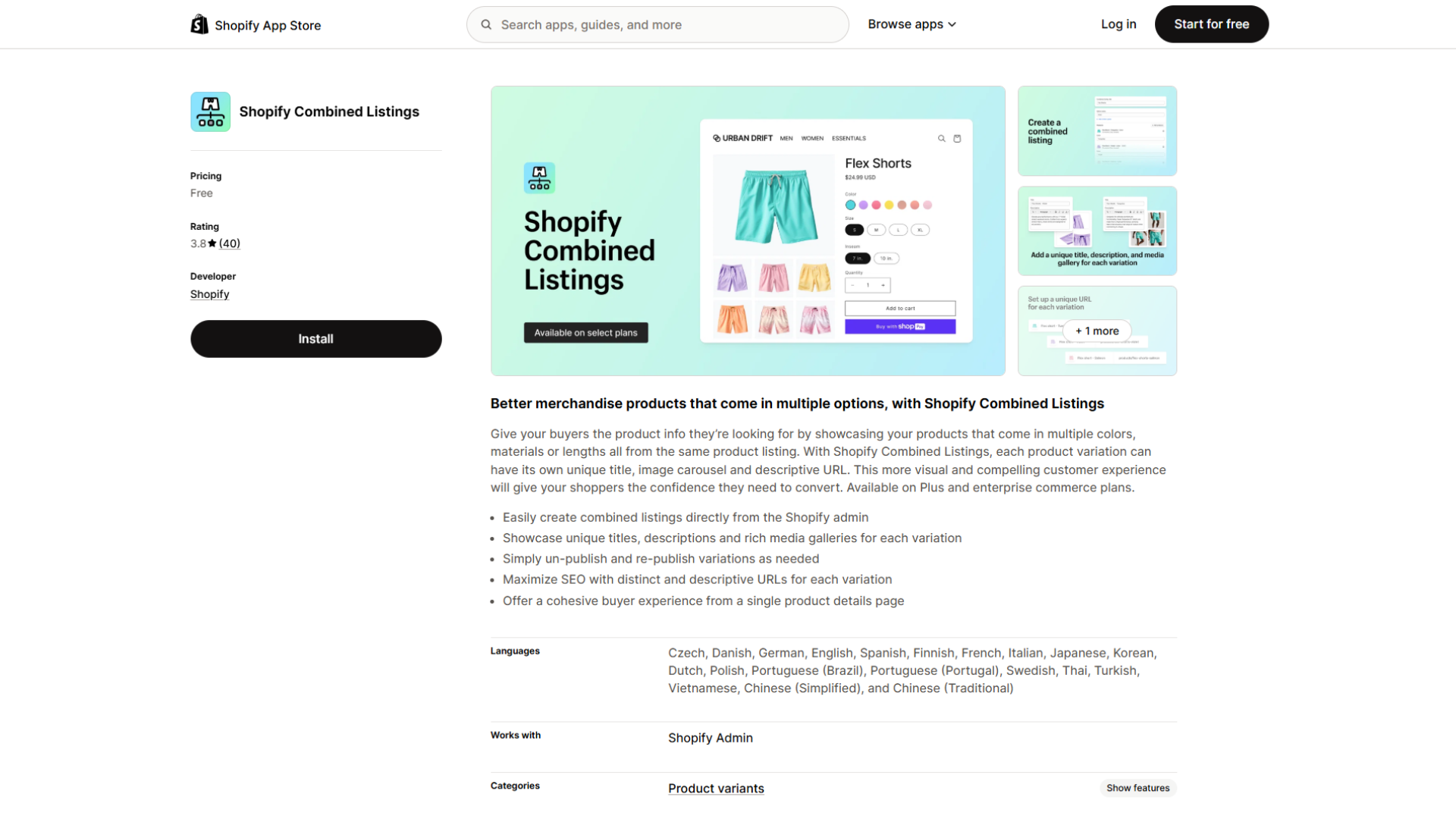
Developer: Shopify · Pricing: Free ·
Availability: Plus and enterprise commerce plans only ·
Rating: 3.3 (30 reviews)
Shopify's own app connects separate products into one listing. Each child product keeps its own title, image gallery, and URL, while shoppers see the products as options on a single product page.
What it does (per Shopify's documentation):
- Adds up to three combined-listing options on top of each child product's existing options
- Fills option values from category metafields
- Lets you choose whether storefront search and recommendations show parent products, child products, or both, through the Search & Discovery app
Limitations:
- Each listing is capped at 60 child products and 2,000 option values.
- Child products don't appear in Search & Discovery filter results, and combined listings can't be sold as bundles or subscriptions.
- Combined listings show only on the online store. Free Shopify themes support them from version 15.0.0; other themes may need code changes.
- Its 3.3 rating from 30 reviews is well below the third-party apps here, so test it on a duplicated theme before going live.
Best for: Plus stores with moderately sized product families and a compatible theme.
3. Rubik Combined Listings Swatch: best low-cost grouping for a few product families
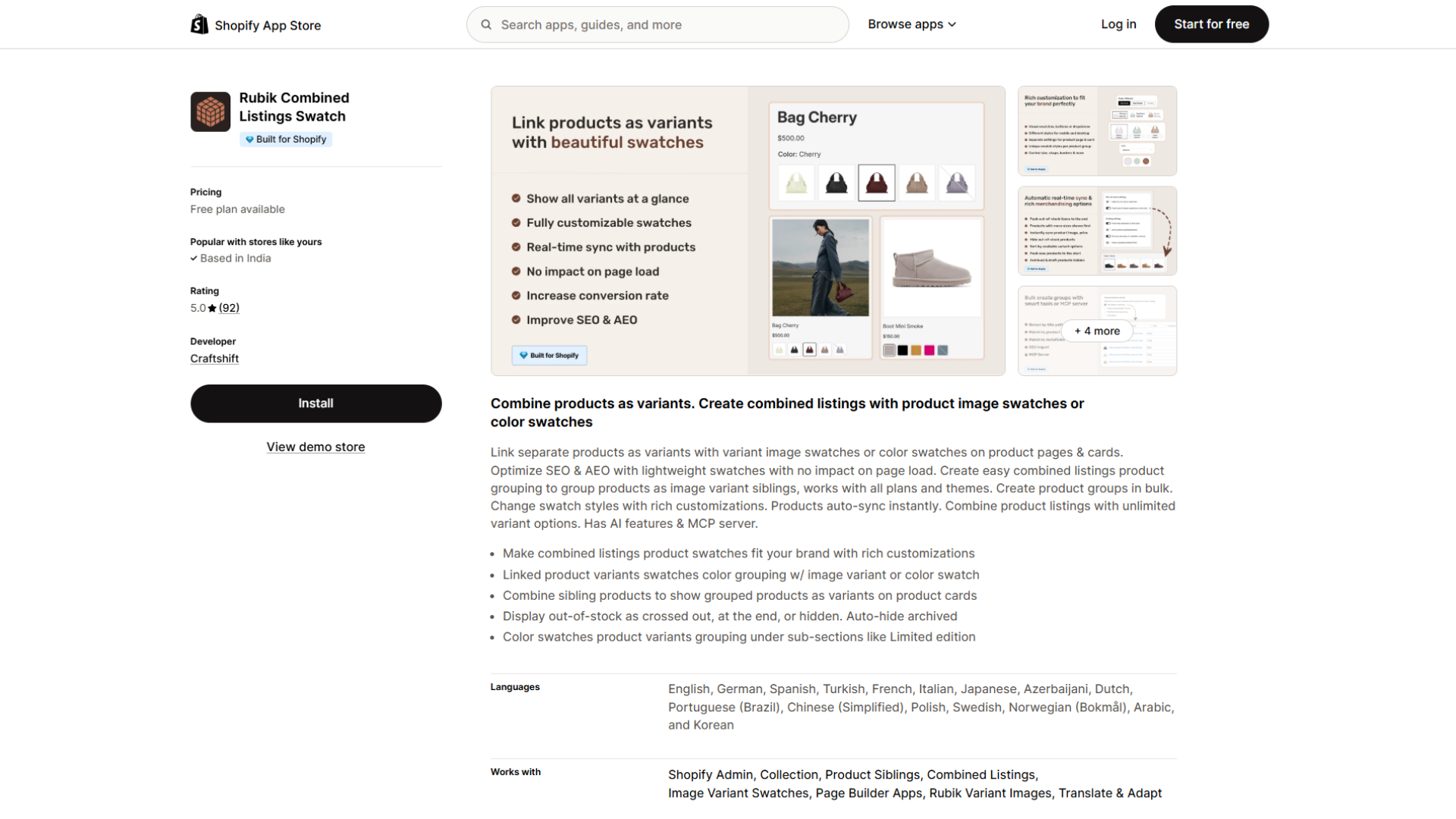
Developer: Craftshift · Pricing: $10, $30, or $50/month for 100, 500, or 5,000 groups ·
Free option: Free for 5 product groups ·
Rating: 5.0 (90+ reviews) ·
Built for Shopify: Yes
Rubik Combined Listings Swatch links separate products as variants, with image or color swatches on product pages and product cards. Its listing says it works on every Shopify plan and theme.
What it does:
- Groups products in bulk by title, tag, or metafield
- Syncs product information automatically and leaves out draft and archived products
- Shows out-of-stock options crossed out, moved to the end, or hidden
- Supports sub-category groups (a "Limited edition" section, for example), translations, AI credits, and an MCP server
Limitations: The listing focuses on linking products that already exist separately. If your colors currently live as variants on one product, plan how you'll create those separate products first. The app launched in February 2026, so its review history is shorter than older apps'.
Best for: Stores on higher Shopify plans with a limited number of product families, where paying per group beats paying per plan.
4. GLO Color Swatch Variant Image: best budget swatches across product grids
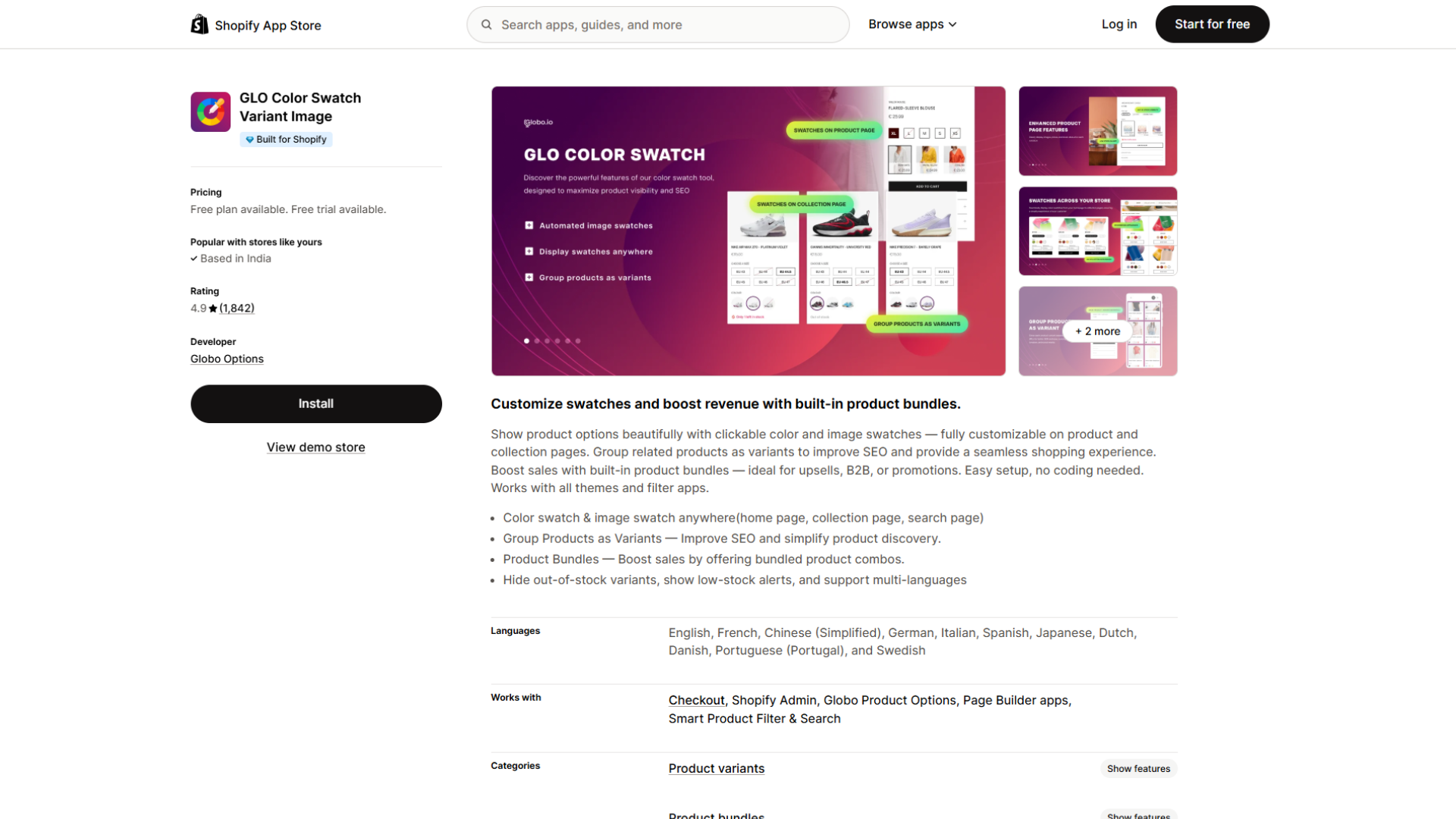
Developer: Globo Options · Pricing: Silver $9.90/month, Gold $19.90/month ·
Free option: Free plan; 7-day trial on paid plans ·
Rating: 5.0 (1,800+ reviews) ·
Built for Shopify: Yes
GLO shows color and image swatches on the home page, collection pages, and search results, and can group related products as variants.
This matters more than it sounds. Baymard Institute's mobile usability testing found that showing all color variations as swatches in product lists helps shoppers evaluate visually driven products faster, yet 57% of the mobile sites it benchmarked didn't make all color variations available in the product list (2023).
What it does:
- Free plan: unlimited products, color swatches, variants shown on collection pages, multi-language support, hidden out-of-stock options, one product group, and one bundle
- Silver adds image swatches, variant image previews, and more display styles
- Gold adds unlimited product groups and bundles
- Low-stock alerts, plus listed compatibility with filter apps and page builders
Limitations: Image swatches need a paid plan, and grouping beyond one product group needs Gold. GLO also includes a product bundles feature you may not need if you already run a bundles app.
Best for: Budget-conscious stores that mainly want swatches on every product grid, with light grouping.
If swatches are your only need, our guide to the best color swatch apps for Shopify goes deeper.
5. Rubik Variant Images & Swatch: best for multiple images per variant
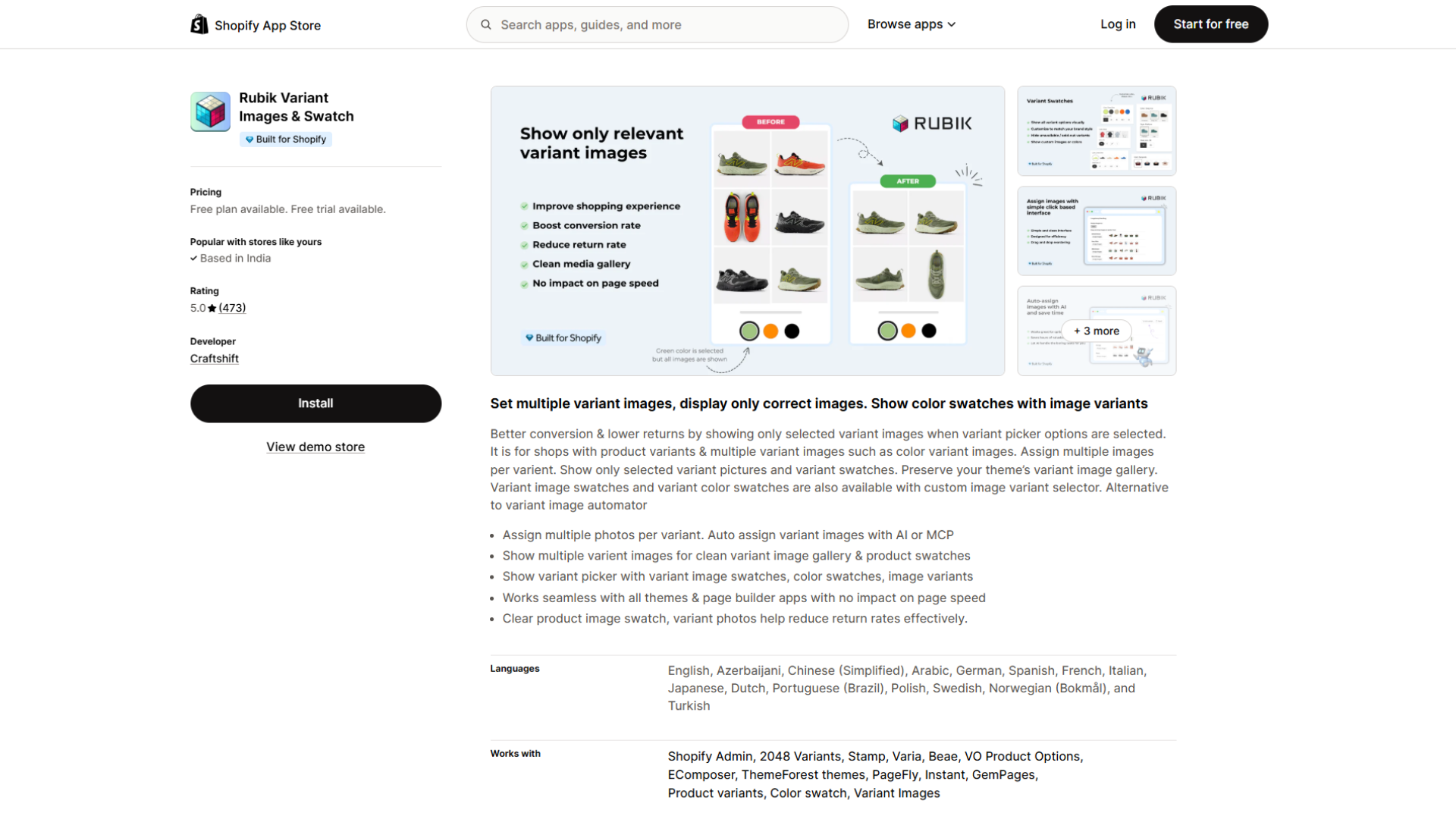
Developer: Craftshift · Pricing: $25, $50, or $75/month for 100, 1,000, or unlimited products ·
Free option: Free for 1 product; 7-day trial ·
Rating: 5.0 (470 reviews) ·
Built for Shopify: Yes
Shopify lets you assign one image to each variant. When a shopper picks "Sage Green," that image appears, but the rest of the gallery can still show other colors. Rubik Variant Images & Swatch filters the gallery so shoppers see only the selected variant's photos.
What it does:
- Assigns multiple photos per variant, including automatic assignment with AI or MCP
- Adds variant image swatches and color swatches to the variant picker
- Shares images across options without duplicating them, with video and 3D model support
- Keeps the theme's existing gallery and lists compatibility with page builders such as PageFly, GemPages, and EComposer
Limitations: Pricing scales with product count, so a large catalog on a lower Shopify plan can cost more than plan-based alternatives. Paid plans include a 7-day trial.
Best for: Fashion, footwear, and jewellery stores where each color or metal needs its own full gallery.
Also consider: Variant Image Wizard + Swatch by ProductWiz Inc. costs $4.99 or $7.99 a month (4.7 from 220+ reviews). It's free, and $4.99 plans work only with free Shopify themes, so it suits small catalogs on those themes.
6. Easify Custom Product Options: best for personalization with a generous free plan
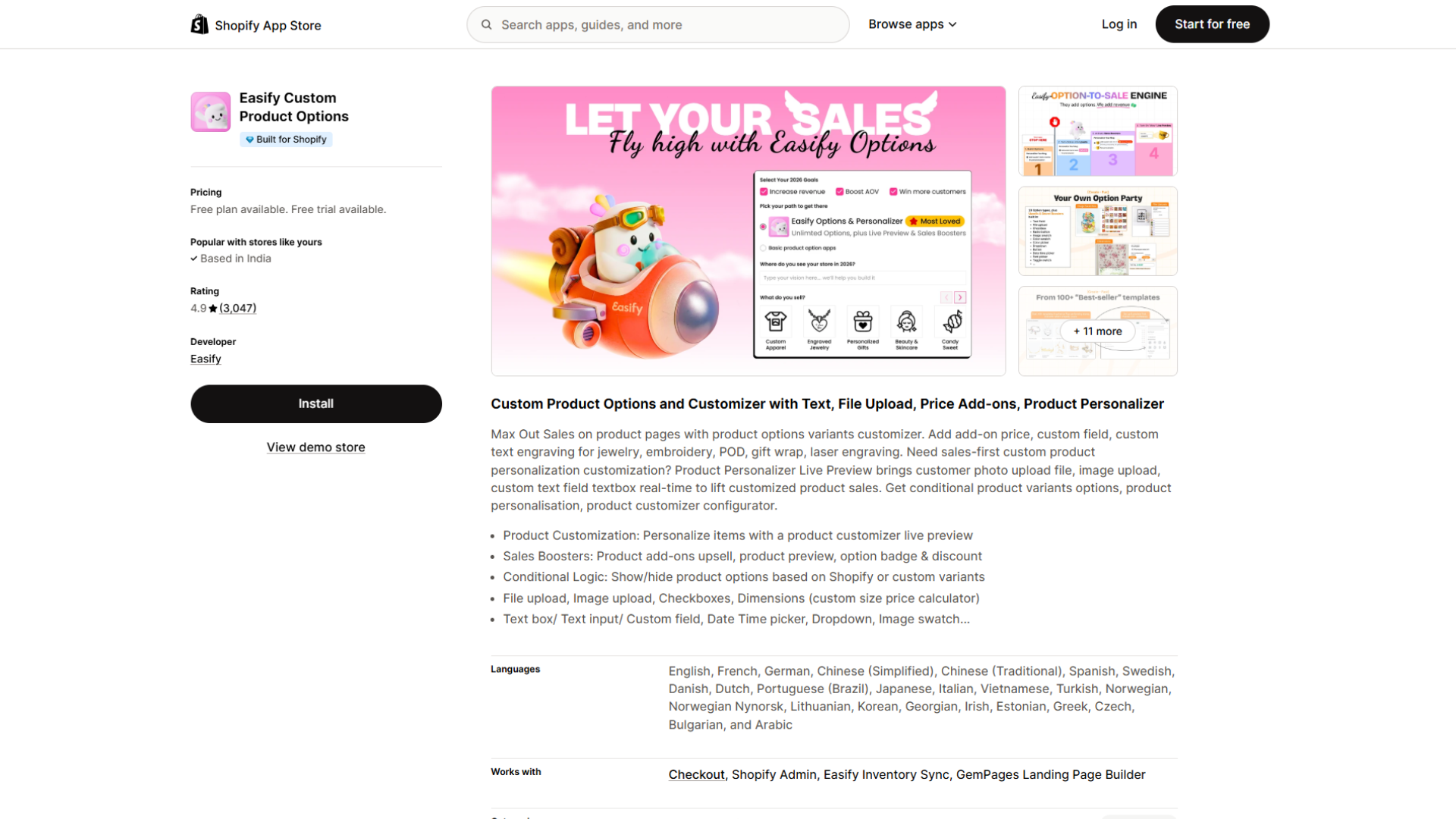
Developer: Easify · Pricing: Pro $9.99/month, Premium $19.99/month, Enterprise $99.99/month (same price on every Shopify plan) ·
Free option: Free plan; 14-day trial ·
Rating: 4.9 (3,000+ reviews) ·
Built for Shopify: Yes
Some choices aren't really variants: engraving text, a photo upload, a delivery date, gift wrap. Product options apps add those inputs to the product page without creating extra Shopify variants. Easify is one of the most-reviewed apps in this category.
What it does:
- Free plan: 15 option types, unlimited option sets, products, and orders, conditional logic between Easify options, and options shown on orders, packing slips, and emails
- Pro adds 28 option types, formula, per-character, and one-time pricing, multi-file uploads, conditional logic tied to Shopify variants, and in-cart option editing
- Premium adds a live preview personalizer, swatch sliders, and order exports that include Easify options
Limitations: Price add-ons, conditional logic based on Shopify variants, and in-cart editing start on Pro. The live preview personalizer and order exports with option data require Premium.
Best for: Jewellery engraving, custom prints, gifts, and made-to-order products where shoppers need to enter or upload something.
7. OPTIS Product Options, Variant: best for add-on products with inventory tracking
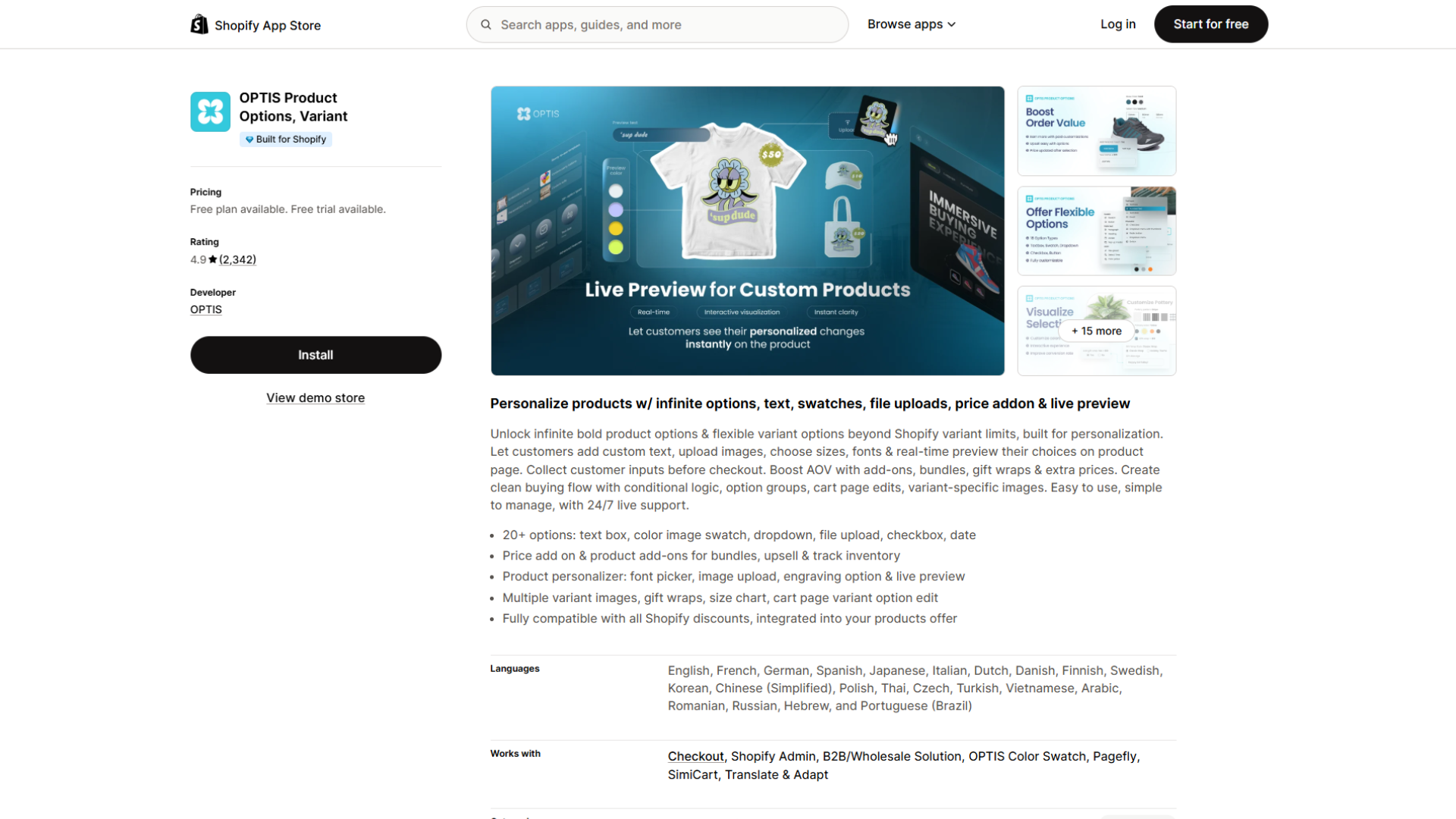
Developer: OPTIS · Pricing: Advanced $9.99/month, Platinum $19.99/month, Unlimited $49.99/month (for Plus) ·
Free option: Free plan; 14-day trial ·
Rating: 4.9 (2,300+ reviews) ·
Built for Shopify: Yes
OPTIS adds personalization options to the product page and ties add-ons to real products, which suits stores that upsell accessories alongside a customized item.
What it does:
- More than 20 option types, including text boxes, color and image swatches, dropdowns, file uploads, checkboxes, and dates
- Price add-ons, product add-ons for bundles and upsells, and inventory tracking
- Live preview with a font picker and image upload for personalized products
- Conditional logic, option editing on the cart page, and variant-specific images
Limitations: The free plan includes 10 option sets. Price add-ons, conditional logic, and import/export start on Advanced; cart-page editing requires Platinum.
Best for: Stores that sell customized products with add-on accessories and need those add-ons tracked as inventory.
8. Hulk Product Options: best for formula pricing, SKU tracking, and POS
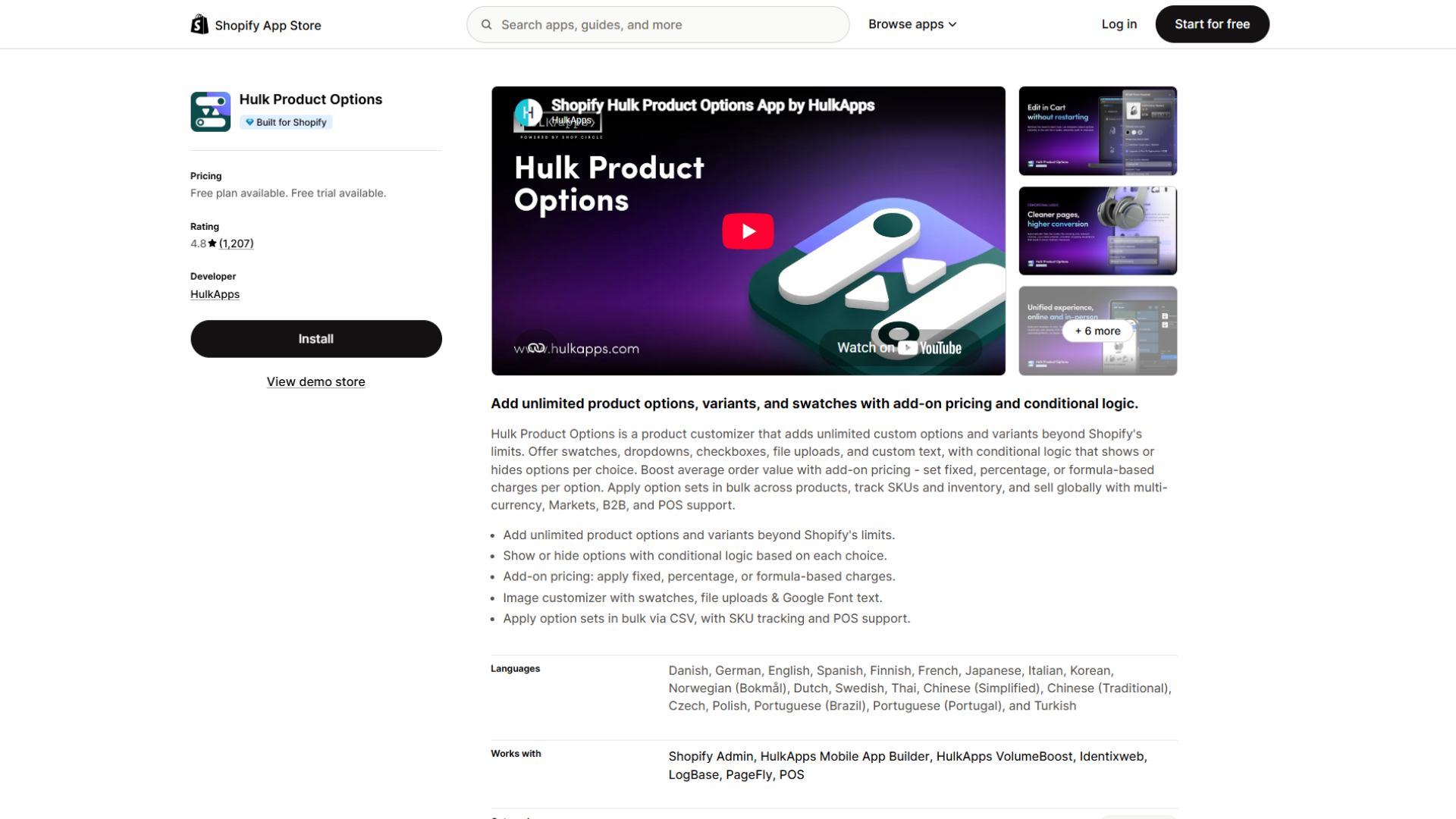
Developer: HulkApps · Pricing: Basic $10/month, Advanced $20/month, Enterprise $49.90/month ·
Free option: Free on development stores; 7-day trial ·
Rating: 4.8 (1,200+ reviews) ·
Built for Shopify: Yes
Hulk Product Options adds unlimited custom options beyond Shopify's native variant limits, with support for Shopify Markets, multi-currency, B2B, and POS.
What it does:
- Swatches, dropdowns, checkboxes, file uploads, and custom text
- Add-on pricing as fixed, percentage, or formula-based charges
- Option sets applied in bulk by CSV across products and collections
- In-cart editing and product image changes per option (Advanced)
Limitations: Conditional logic and per-option images start on Advanced. Inventory and SKU management, formula-based options, and POS compatibility need Enterprise.
Best for: Stores whose option prices are calculated by formula, or that sell custom options in person through Shopify POS.
9. Product Variants Reloaded: best for more than three options as native variants
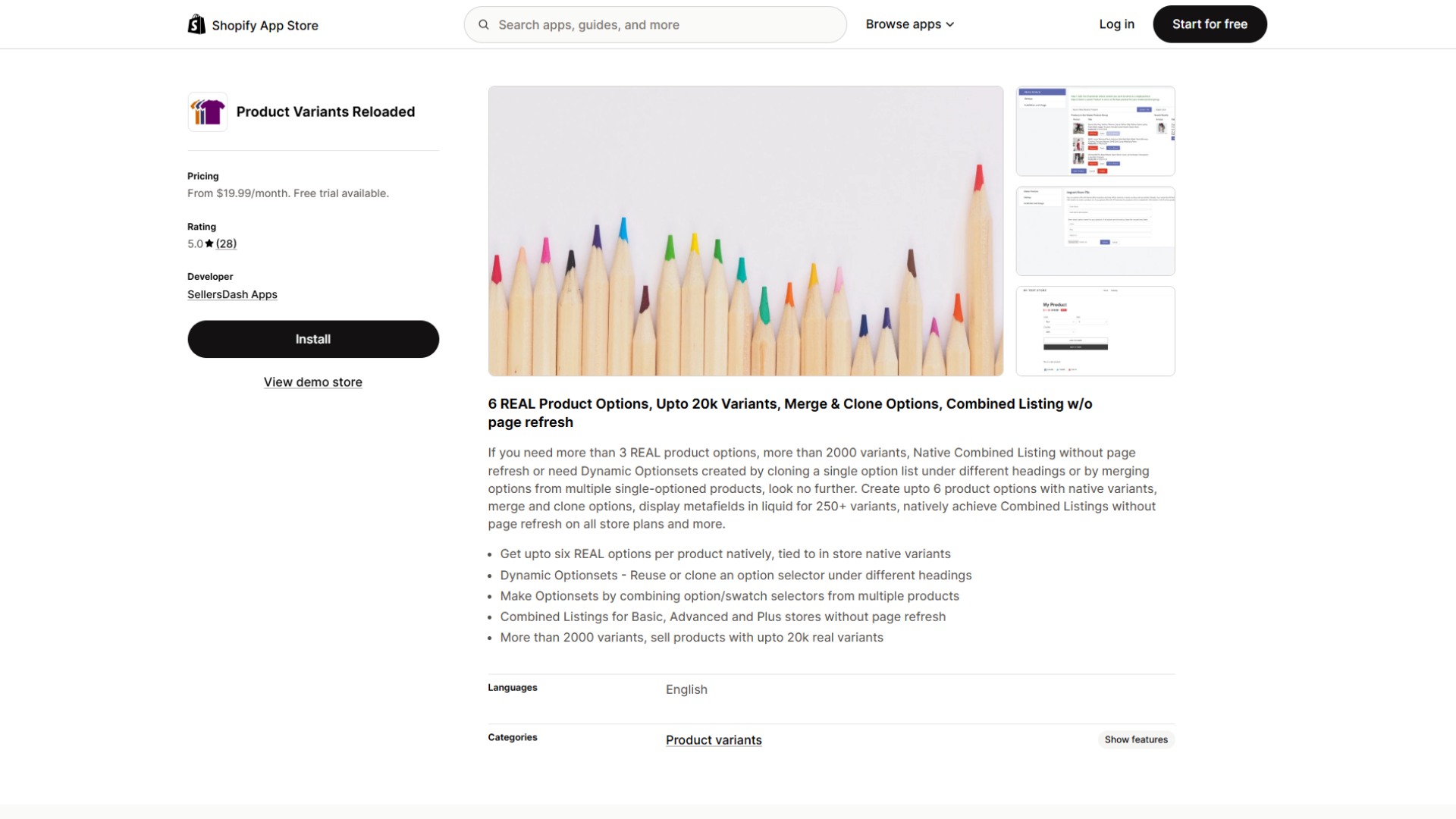
Developer: SellersDash Apps · Pricing: Silver $19.99/month ($29.99 for Plus), Gold $34.99/month ($49.99 for Plus) ·
Free option: 14-day trial ·
Rating: 5.0 (27 reviews)
Most product options apps add choices outside Shopify's variant system. Product Variants Reloaded takes a different route. Its developer says it creates up to six product options tied to native variants with inventory and SKU tracking, and up to 20,000 variants per product on the Gold plan.
What it does (as described by the developer):
- Up to six options per product (Gold) and more than 2,000 variants per product
- Its own combined listings on non-Plus plans: up to 10 products per listing on Silver, 30 on Gold
- Displays variant metafields and inventory for more than 250 variants in theme code
- CSV import of master products, plus free setup
Limitations: Shopify's own documentation caps products at three options and 2,048 variants, so ask the developer exactly how extra options are stored and how they behave with your theme, other apps, and sales channels. The review base is small, and the listing didn't show a Built for Shopify badge when we checked.
Best for: Furniture, hardware, and industrial catalogs that need more than three true options with per-combination inventory, and are willing to validate the setup carefully.
10. Matrixify: best for bulk-editing variant data at scale
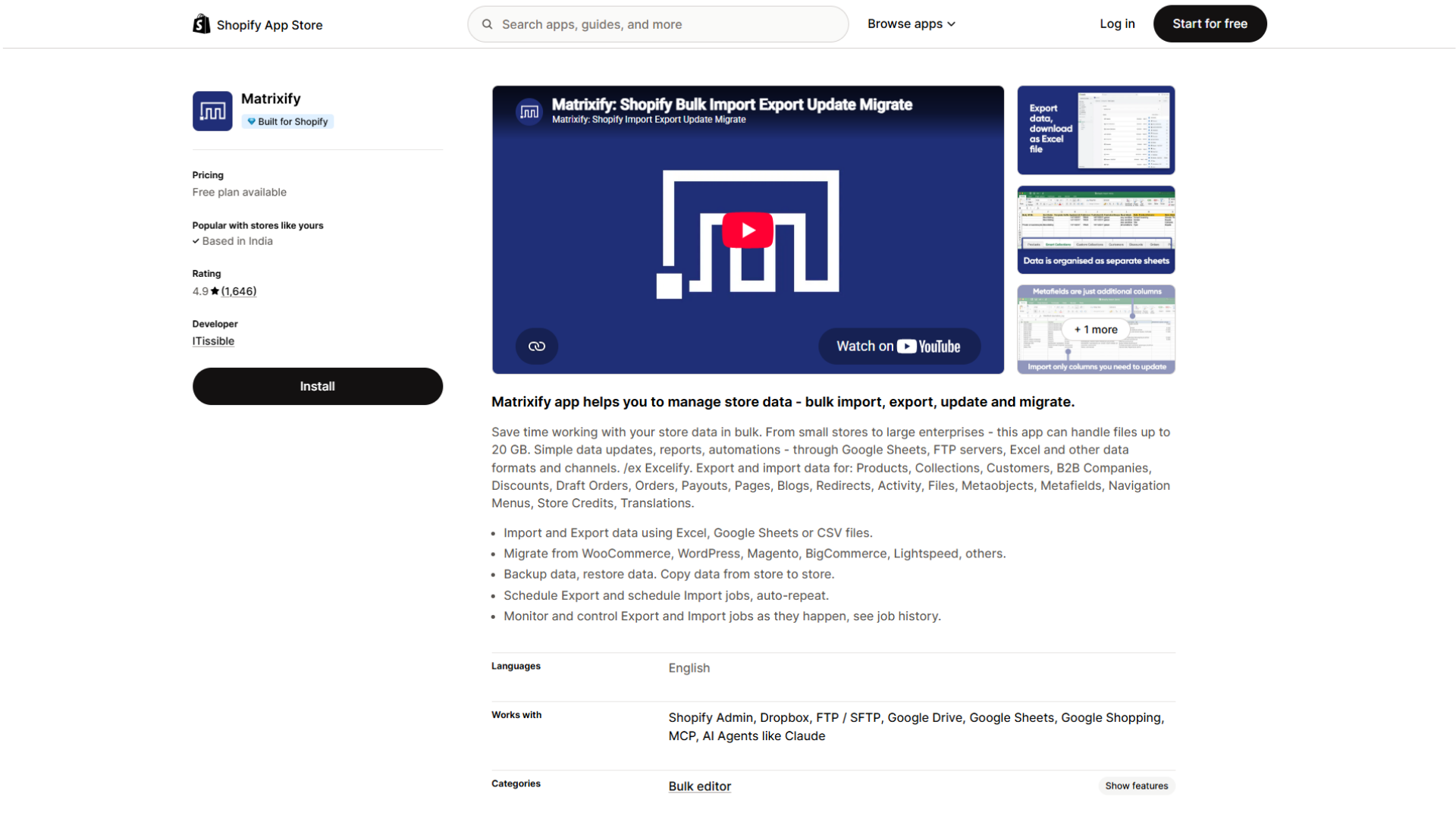
Developer: ITissible · Pricing: Basic $20/month, Big $50/month, Enterprise $200/month ·
Free option: Free demo plan (10 products per file) ·
Rating: 4.9 (1,600+ reviews) ·
Built for Shopify: Yes
Variant management doesn't stop at the storefront. Merchandising and operations teams also update prices, SKUs, barcodes, inventory, and metafields across thousands of variants. Matrixify handles that through spreadsheets.
What it does:
- Imports, exports, and updates products and variants with Excel, CSV, or Google Sheets
- Edits variant prices, SKUs and barcodes, inventory, images, tags, and metafields in bulk
- Runs scheduled and recurring import and export jobs, with files up to 20 GB
- Migrates data from platforms such as WooCommerce, Magento, and BigCommerce, and backs up store data
Limitations: Matrixify doesn't change how variants look on the storefront. Plan limits apply per file (5,000 products per file on Basic, 50,000 on Big), and Shopify's own limits still apply.
Best for: Large catalogs that need repeatable bulk updates, and teams cleaning product data before splitting or grouping variants.
What Shopify Handles Natively, And Where It Stops
Before paying for any app, check what your admin and theme already do. Shopify's variant documentation, variant image documentation, and Combined Listings documentation set out these limits:
How to manage variants in Shopify without an app
Shopify's admin covers more day-to-day variant work than many merchants realize:
- Create variants in bulk: Adding a new value to an option (a new color, for example) generates every matching combination at once, and you can duplicate a set of variants into a new option value along with their prices, quantities, and locations.
- Keep option names consistent: Connect variant options to category metafields. Rename "Black" to "Graphite" once, and it updates everywhere that entry is used. The same setup unlocks native color swatches and color swatch filters in the Search & Discovery app.
- Control where variants sell: You can publish or unpublish individual variants across sales channels and product catalogs.
- Edit many variants at once: The bulk editor changes properties like price, SKU, and compare-at price across products and variants, and you can bulk edit variant metafields too. For larger jobs, Shopify supports CSV import. One catch: for products with multiple variants, inventory is bulk edited from the Inventory section, and those edits set absolute quantities without an audit trail of stock movements.
If this covers your needs, you may not need an app at all. Apps earn their cost when you need storefront changes Shopify doesn't provide, or bulk workflows beyond the native editor.
For large catalogs, two technical details matter. Shopify's theme developer documentation states that Liquid's product.variants returns at most 250 variants, so older themes that loop through every variant need updating. And stores with 500,000 or more variants can add only 10,000 new variants a day through apps or CSV imports, a limit that doesn't apply on Shopify Plus.
For native image setup, see our guide to adding variant images in Shopify.
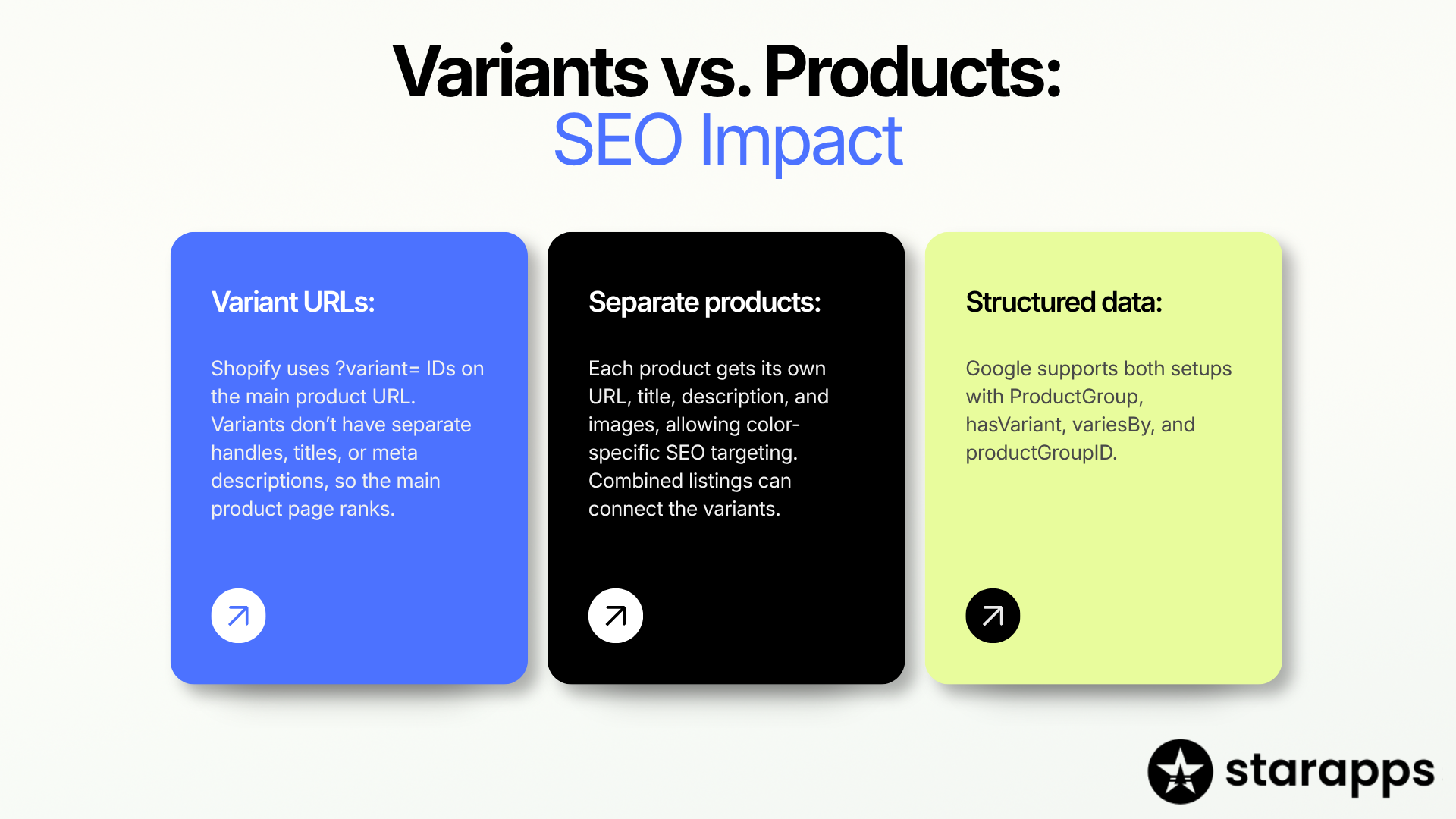
Variants Vs. Separate Products: What Changes For SEO
This is the decision behind apps #1 to #3, so it's worth getting right.
How variant URLs work: Shopify's theme documentation explains that a link to a specific variant adds a ?variant= query parameter with the variant's ID to the product URL. There's no separate handle, title, or meta description per variant. Shopify themes usually point the canonical tag of these URLs back to the main product page, which you can confirm by viewing your page source. In practice, the product page ranks, not the individual color.
How separate products work: Each product gets its own handle, title, description, and image gallery. A "linen shirt in sage" page can target that exact search. The cost is that shoppers need a way to move between colors, which is what combined listings and grouping apps provide.
Structured data works for both: Google supports product variant structured data using the ProductGroup type with hasVariant, variesBy, and productGroupID, for sites where variants share one page and for sites where each variant has its own page. If you split variants, check that your theme or app outputs this markup so Google still understands the products belong together.
A simple rule of thumb:
How to Choose the Right Shopify Variant Management App
Start with what's going wrong on your storefront or in your admin console.
If more than one row applies, fix structure first. Whether colors live as variants or separate products determines how swatches, images, and bulk data get set up afterward.
Price apps at your real scale. The three grouping apps use different pricing models, and neither model wins every time:
Plan-based pricing favors large catalogs on lower Shopify plans. Group-based pricing favors small catalogs on higher plans.
Variant Management By Industry
A furniture example: A sofa offered in 40 fabrics, three leg finishes, and three sizes creates 360 combinations, well within the 2,048-variant limit. But it has used all three option slots, so a fourth choice like cushion fill can't be added natively. Moving fabric into separate products linked as a combined listing frees an option slot on each product, because combined listing options are added on top of each child product's own options.
A jewellery example: Image swatches cropped from the real metal or stone show rose gold versus yellow gold far better than a flat color circle. Pair them with a variant image app so the whole gallery switches with the metal.
istakes To Avoid
- Running two apps that control the same variant picker: Swatch, image, grouping, and options apps often modify the same product form. Check each listing for stated compatibility and test on a duplicated theme.
- Paying for what Shopify already does: Variant counts up to 2,048, basic product-page swatches, and routine bulk edits no longer require an app for many stores.
- Splitting variants without a URL plan: Redirect retired product URLs, update menus and internal links, and confirm shopping feeds pick up the new products.
- Letting collection grids fill with near-duplicates: Baymard's 2025 product list benchmark recommends combining a product's variations into one list item with swatches, yet 42% of benchmarked sites don't. Show colors as separate cards only when "shop by color" browsing is intentional.
- Skipping a theme check for high-variant products: Older theme code can break past 250 variants.
- Treating custom options like native variants: Confirm how option selections reach orders, packing slips, reports, inventory, and your 3PL before launch.
Pre-Install Checklist
- [ ] Name the job: structure, presentation, imagery, option capacity, or bulk data
- [ ] Confirm whether Shopify's native features already cover it
- [ ] Check your plan's eligibility for native Combined Listings
- [ ] Verify your theme version and high-variant support
- [ ] Price shortlisted apps at your actual Shopify plan and catalog size
- [ ] Check Built for Shopify status (what the badge means)
- [ ] Confirm compatibility with your page builder, search and filter app, Markets setup, and other variant apps
- [ ] Test on a duplicated theme with your highest-variant product
- [ ] Ask the developer what happens to theme code and product data if you uninstall
Where Starapps Fits
StarApps has published Shopify variant apps since 2017, and all six of its current Shopify App Store apps carry Built for Shopify status. For the catalog-structure problems in this guide, the relevant one is SA Variants: Combined Listings.
If your catalog forces a choice between one product page and per-color URLs, try the 30-day free trial on a duplicated theme with your most complex product family. Check that splitting, grouping, and collection-page display work with your theme before rolling it out. If your real gap is personalization or bulk data, start with an options app or a bulk editor from this list instead.
For most established Shopify stores, the hardest variant problem is structural: deciding whether colors, materials, and styles live as variants or as separate products, then keeping the storefront coherent either way. SA Variants: Combined Listings is our top pick because it handles both directions on any plan. Plus, stores with a handful of product families should test Shopify's native app first. Stores with narrower needs, whether swatches, images, personalization, or bulk data, will find a better fit further down this list.
Whichever app you choose, check native features first, price it at your real scale, and test on a duplicated theme before going live.
Frequently Asked Questions
What is the best Shopify variant management app?
For established stores managing large variant catalogs, SA Variants: Combined Listings is our top pick because it splits variants into separate products and groups products back together with swatches, on any Shopify plan. The right app still depends on the job: Rubik Variant Images & Swatch for image galleries, Easify, OPTIS, or Hulk Product Options for personalization, and Matrixify for bulk data.
Is there a free Shopify app for managing variants?
Yes, several apps have usable free plans. GLO Color Swatch Variant Image offers color swatches on unlimited products with one product group. Easify's free plan includes unlimited option sets, Rubik Combined Listings Swatch is free for five product groups, and OPTIS is free for 10 option sets. Shopify Combined Listings is free, but only on Plus and enterprise plans.
How many variants can a Shopify product have?
A Shopify product can have up to 2,048 variants and three options. Stores with 500,000 or more total variants can add only 10,000 new variants per day through apps or CSV imports, a limit that doesn't apply to Shopify Plus stores.
How do I add more than three options to a Shopify product?
Shopify caps products at three options, so you have three routes. A product options app like Easify, OPTIS, or Hulk adds extra choices outside the variant system. Combined listings move one option, such as fabric, into separate linked products. Or an app like Product Variants Reloaded, whose developer says it extends native options to six.
Do I need Shopify Plus to use combined listings?
You need a Plus or enterprise commerce plan for Shopify's native Combined Listings app. Third-party apps, including SA Variants: Combined Listings and Rubik Combined Listings Swatch, state on their App Store listings that they work on non-Plus Shopify plans.
How do I show each variant as a separate product on collection pages?
Shopify shows one card per product by default, so each colorway needs to exist as its own product. Grouping apps then link those products back together with swatches. SA Variants: Combined Listings can split existing variants into separate products for you; other grouping apps link products that already exist separately.
Should I split Shopify variants into separate products for SEO?
Split variants when a colorway or material has its own search demand or needs different photos and copy, because variant URLs share the main product's page. Keep options as variants when they differ only in size or fit. If you split, link the products with swatches and add product variant structured data so Google understands they belong together.
Can I bulk edit Shopify variants without an app?
Yes. Shopify's bulk editor changes prices, SKUs, and other properties across products and variants, including variant metafields, and CSV import handles larger batches. Apps like Matrixify add scheduled jobs, Google Sheets workflows, and files up to 20 GB.
Heading

End-to-end traceability
To ensure regulatory compliance, you must have a complete overview of your products from production to shipping. Book a demo to see how Katana can give you full visibility of your operations.
.png)

.svg)

.svg)

.svg)
.png)